Fix AI generated code when the demo stops being enough
You proved the idea with an invoicing tool, customer portal or dashboard. Now bugs return, totals disagree or you hesitate to add real customer records. Pause new features and check what the business would be depending on.
The business cannot rely on it yet
Invoices or stock behave differently across screens. Review the underlying rules and records before adding reports or integrations.
Each fix breaks something else
Repeated prompts produced overlapping solutions. Trace the failing workflow and shared dependencies before adding another exception.
The prototype needs a responsible handover
Find out what is deployed, what remains risky and how to recover. A preview alone cannot answer those questions.
In 100 recent Upwork job posts we reviewed in October 2026, 9 asked to rescue, finish or review an existing app, and 24 mentioned AI coding tools or AI app builders. Buyers described recurring bugs in owner-built invoicing and inventory tools, websites and chatbots, plus an AI-assisted plugin needing a maintainable rebuild. These are buyer requests, not results from projects we delivered.
↑ Back to topVibe coding cleanup starts with reproducible bugs
Tell us what you did, what you expected and what happened. Include a timestamp and affected record if possible. We reproduce the issue safely before changing behavior.
| Symptom | Possible cause | Repair to verify |
|---|---|---|
| Paid, still owes a cent | Rounding mismatch | Consistent money rules |
| Job completes twice | Retry creates new action | Stable action ID |
| Wrong customer's data | Missing access check | Permissions + RLS |
| Stock totals disagree | Rules copied in screens | Shared stock logic |
| Voice reply takes too long | Slow chained requests | Measure each stage |
| Reply in wrong language | Lost language setting | Explicit language rule |
| Works only in preview | Different live settings | Compare environments |
AI code review service: inspect behavior, not appearances
The review should connect a symptom to evidence: the relevant request, stored record and code path. For a slow voice companion, measure transcription, model response and speech separately; for wrong-language replies, check how language is selected and retained. Changing the model or rewriting the interface without that evidence can leave the original failure intact.
↑ Back to topTest money, permissions and retries first
Begin with failures that could expose records, lose work or move money incorrectly. A paid invoice that still shows a 1-cent balance needs an explanation across line items, tax, discounts and payment records. Hiding the remaining balance on screen would leave the accounting problem unresolved.
A field worker taps Complete twice after losing signal
The app should retain the intended action while offline and reuse its reference when reconnecting. The server must recognize a repeat even if requests arrive together; disabling a button alone is insufficient. Test reconnection, interrupted uploads and conflicting edits against an agreed rule for which change wins.
For payments, Stripe's idempotency documentation explains reusing a key to retry a request safely. Incoming payment notifications need their own duplicate handling and signature verification; Stripe's webhook guidance covers those concerns. Our API integration services address the wider flow between your app and outside systems.
Do before deploying
- Test another customer's access, including direct requests.
- Retry the same action and confirm a single business result.
- Check payment totals against stored records.
- Verify a failed external request can be recovered.
Don't accept as proof
- The dashboard looks correct for the owner account.
- The button is disabled after the first click.
- A prompt says the bug is fixed.
- The payment confirmation page appeared once.
In 100 recent Upwork job posts we reviewed in October 2026, 5 asked how the developer reviews AI-generated code before deployment. We use AI coding tools too, and review every line of each change before deploying it. Tests, dependency checks and inspection of permissions support that review; another AI answer is not enough.
↑ Back to topRescue or rebuild: preserve the useful work
A rescue is sensible when the core data model and workflows can support the business with targeted changes. A rebuild can be cheaper when broken assumptions affect nearly every feature. We compare repair, testing, migration and ongoing maintenance before recommending either route.
Rescue makes sense when
- The main workflows already fit how your business operates.
- Failures have identifiable boundaries and can be tested.
- Existing records and integrations can be preserved.
- Small changes cost less than replacement and migration.
Consider a rebuild when
- The data model cannot represent essential business rules.
- Access controls need redesign across the whole product.
- Interdependent patches make reliable repair more expensive.
- The platform cannot support a required capability.
A rebuild needs a migration plan for records, integrations and users, plus checks before switching traffic. Preserve usable components where appropriate. For a first commercial product, see SaaS MVP development.
↑ Back to topA controlled route from review to release
Stop adding features to the unstable workflow while it is being repaired. Keep changes small enough to review, and separate urgent containment from improvements that can wait. You should understand what each release changes and how its result will be checked.
- Freeze and back upCode in a repository you own, database backup, list of every account and key.
- Audit what can hurtMoney, permissions, data loss and secrets first. Style last.
- Tests on critical pathsSign up, pay, the main workflow. Tests before changes.
- Fix and simplifyRemove duplicates and dead code; keep what already works.
- Deploy with rollbackStaging first, then live, with a one-step way back.
- Step 1
Capture the current state
Confirm access and ownership, preserve the deployed version and back up relevant records and files. Identify any exposed credentials or immediately risky actions that need containment.
- Step 2
Review and agree the repair scope
Trace critical workflows, reproduce failures and document what must remain working. Agree the findings, acceptance checks and fixed written quote for the next phase before that work starts.
- Step 3
Protect the critical paths
Create a separate test environment and meaningful tests around the agreed risks. Include customer separation, money calculations and repeated actions wherever those apply.
- Step 4
Repair in small reviewed changes
Keep working features, remove duplicated rules and check each change against its acceptance criteria. We review every changed line, including AI-generated code, before deployment.
- Step 5
Release and verify
Confirm backup and rollback options, deploy the agreed change and check the live workflow. Database changes need their own recovery plan because reverting code does not undo changed records.
- Step 6
Hand over control
Deliver the code, documentation, known limitations and operating instructions. Agree who watches alerts, handles updates and checks backups after the rescue.
Software we build and maintain ourselves
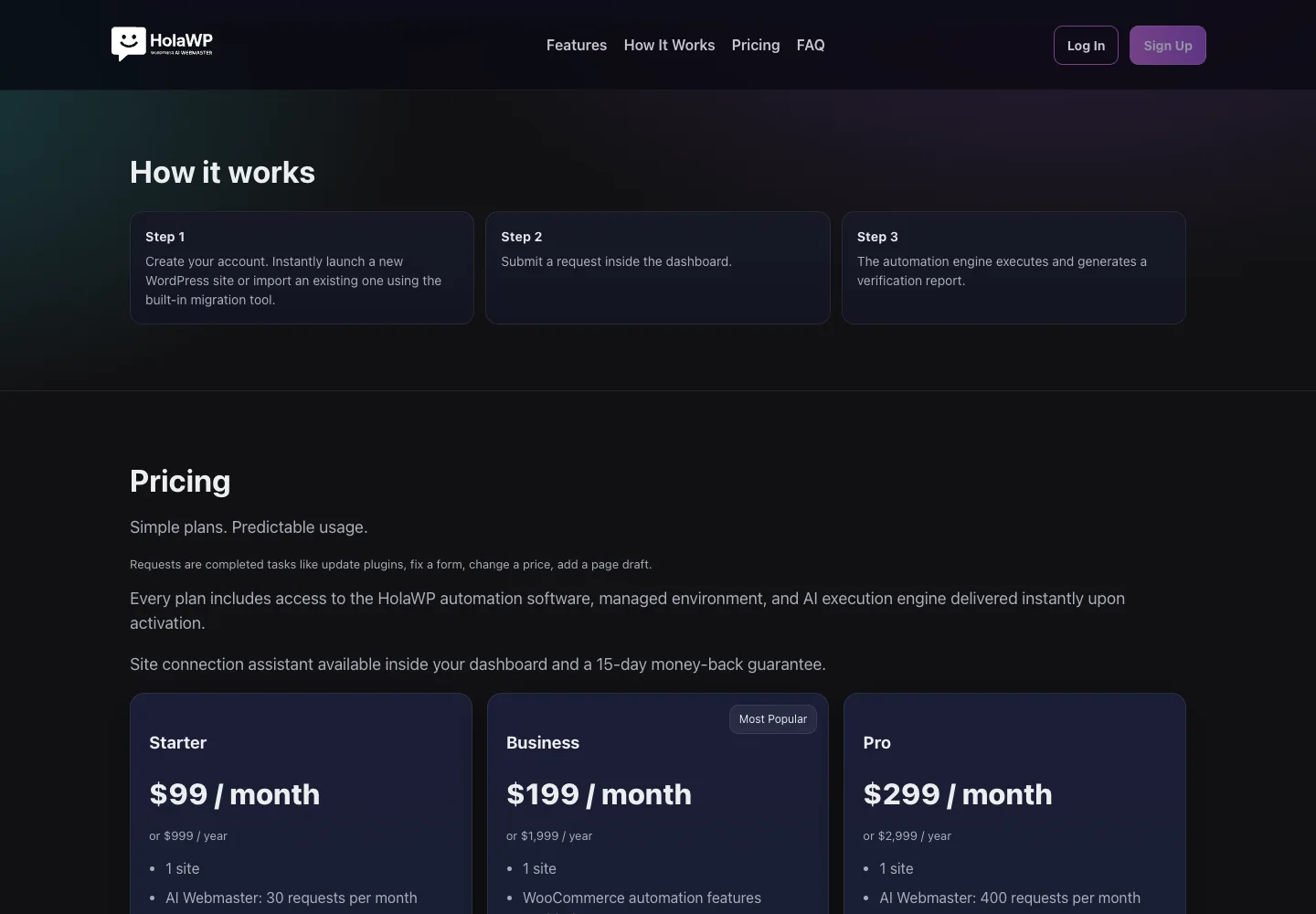
HolaWP is our own SaaS for WordPress setup, staging, migration and troubleshooting, with server-side caching and AI-assisted diagnosis. A user submits a request in the dashboard; an automation engine executes it and generates a verification report. That separation between request, execution and verification is useful when reviewing your app too.
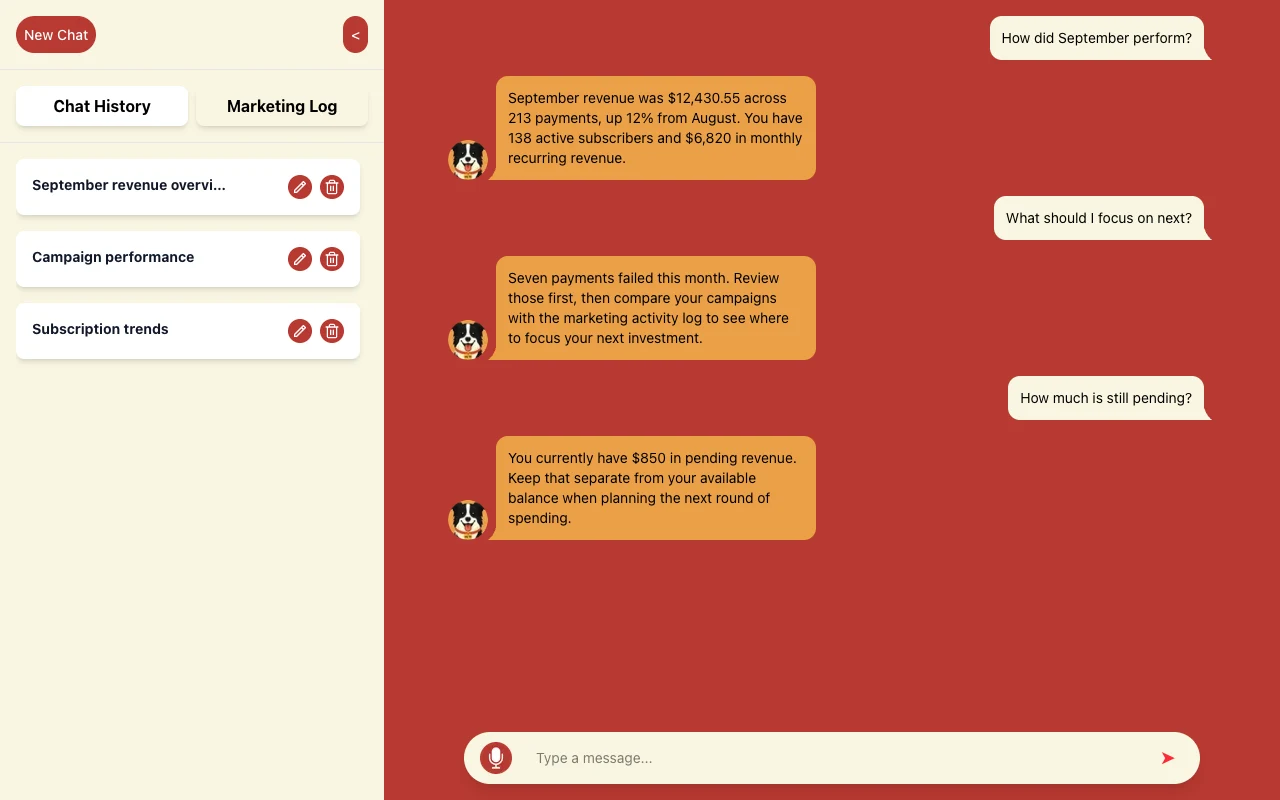
We built and maintain WLTR.AI, a conversational product for understanding business performance. Users ask about revenue, subscriptions and marketing activity in a chat. Our product build uses Next.js, React, TypeScript, Supabase, Stripe and OpenAI.
Budget for the repair and the app's running costs
The repair scope depends on access, reproducible failures, data condition and the workflows that need protection. Every project gets a fixed written quote before work begins; any separately scoped review is agreed first too. Payment is by card through Stripe after scope is agreed.
Repair and verification
Separate necessary fixes from optional features. Include the relevant tests, release work and documentation when comparing proposals.
Recurring services
List hosting, database, storage, email and builder subscriptions. Check which remain necessary after the repair and review the providers' current pricing pages.
AI usage and ongoing care
Track model calls, retries and failed jobs where the app uses AI. Set usage limits and alerts, and name who handles dependencies, backups and incidents.
Remove repeated background work and unnecessary AI calls before buying more capacity. Keep exact calculations and fixed business decisions in ordinary rules where possible. Our AI automation cost guide explains the cost layers to consider without treating a prototype's current bill as a long-term forecast.
↑ Back to topTake over a software project with a clear brief
Send the app link and business problem; you do not need to diagnose the code. Whether you need a Lovable app developer or Replit app developer, confirm access to the project and data so we can establish the review scope.
Prepare these for the review
- Repository or available project accessTell us which builder you used, where the source lives and which version is live. Include relevant previous changes if you have them.
- Hosting, database and connected service accessUse individual invitations with appropriate permissions. Arrange a secure way to share required credentials instead of pasting secrets into a bug report.
- A prioritized list of bugsInclude reproduction steps, expected behavior and affected records or timestamps. Use anonymized examples wherever possible.
- What must keep workingList customer journeys, staff tasks, payments, exports and integrations that cannot be interrupted, plus who will approve the acceptance checks.
- Known backups, costs and ownership gapsShare the recovery options and recurring services you know about. Tell us if a former developer controls an account you cannot access.
Fer Marketing is operated by Fer LLC in Wyoming, founded by Fernando Marcano, an IT engineer with 20+ years of hands-on IT experience. We serve the US market in English and Spanish. Contact us by form, WhatsApp or phone for a same-business-day reply, 9 AM to 9 PM ET.
↑ Back to topWe can build this for you
Want us to make your AI-built app dependable?
Send the project link and the workflow you cannot trust. We will agree the review and repair scope in a fixed written quote before work starts.
- Review findings and prioritized repair scope
- Agreed fixes with tests for critical workflows
- Reviewed deployment with a recovery plan
- Client-owned source code, accounts and operating documentation
Frequently asked questions
Can you fix a Lovable app without rebuilding everything?
Yes, when its structure supports targeted repairs. We inspect the project, database and deployed behavior, preserve working features and explain any limits before quoting the work. A rebuild is considered when repair and verification would cost more than replacement and migration.
Can a Replit app developer take over my existing project?
We can assess an existing Replit project and other AI-assisted apps. The review needs access to the source, hosting, database and relevant services, plus a list of problems and essential workflows. We confirm the feasible scope before work starts.
What does a vibe coding cleanup include?
It can include duplicated logic, recurring bugs, access controls, money calculations, retry protection, tests and deployment setup. The written scope identifies the actual repairs and acceptance checks; cleanup should produce verifiable behavior rather than cosmetic code changes alone.
Do you use AI coding tools to fix AI generated code?
Yes. We use AI coding tools too, review every changed line before deployment and check critical behavior with tests. We inspect permissions, dependencies and data changes rather than accepting a generated explanation as proof that a repair works.
Is an AI code review service enough to launch?
A review identifies risks and recommends work; it does not automatically fix them. Launch readiness depends on completing the agreed repairs, verifying critical workflows and confirming deployment, monitoring and recovery responsibilities. Any remaining limitations should be documented.
Can you fix offline mode in a Lovable app using Supabase?
We can review the offline workflow and scope repairs. The important checks include retaining pending work, reusing action references on retries, enforcing duplicate protection on the server and resolving conflicting edits. Offline support needs testing on the devices and conditions your team uses.
How much does it cost to fix an AI-built app?
We provide a fixed written quote after agreeing the scope, before any work starts. Cost depends on the failures, data condition, access and verification needed. Hosting, subscriptions, AI usage and ongoing maintenance are separate running costs to identify.
Can you take over a software project for an agency?
Yes, we offer white-label work under your agency's brand, with NDA and non-solicitation terms available. We agree who approves changes and communicates with the client. Source code, accounts and documentation belong to the client.
Contact us for a fixed written quote and a same-business-day reply, 9 AM to 9 PM ET, with white-label delivery available for agencies.