SEO for landscaping: how local results work
Someone searching for weekly mowing has a different job in mind from someone planning a patio. Your profile and website should make the right match obvious, including the kind of work, area and next step. Google's Maps results and the website links beneath them are related opportunities, but they are different surfaces.
Relevance
How closely your business matches the search. Describe the work you actually offer.
Distance
How far the business is from the searcher. Listing more towns does not remove distance.
Prominence
How well known the business is, including signals from genuine reviews and links.
These are Google's local ranking factors, not a position an agency can buy or guarantee. Prioritize your real operating area rather than expecting equal visibility across an entire county.
↑ Back to topSEO for landscaping company owners: profile basics
Find and claim the existing Google Business Profile first, and keep ownership in your business account. Choose the available primary category that best fits your main work, such as Landscaper or Lawn care service, then add relevant services and accurate hours. Include real job photos and assign someone to review requests and replies.
If customers do not visit your base, use a service-area profile and hide the address. List places you actually cover, following Google's service-area guidance. Our Google Business Profile checklist covers setup and verification in depth.
Do: represent the real business
- Use the name customers know from your business.
- Maintain one profile for one service-area operation.
- Ask customers for honest reviews consistently.
- Reply calmly and keep private job details private.
Don't: manufacture a local presence
- Add towns and keywords to the business name.
- Use virtual offices to claim extra locations.
- Create a listing for every neighborhood.
- Buy reviews or invite only happy customers.
Name, office and duplicate-listing rules come from Google's business guidelines. For one small operation, a wider service area is not a reason to create extra profiles.
↑ Back to topSEO for landscaping companies needs clear services
Give each core service a page when it answers a distinct buying question and you have enough real information to explain it. A single list saying you do everything leaves the homeowner guessing about scope. Start with the work you want to sell, not every phrase an SEO tool suggests.
Lawn care and maintenance
Explain mowing, edging, cleanup and visit frequency, as applicable. Describe recurring maintenance plans, what is included and how an estimate becomes a regular route stop.
Landscape design and installation
Show the consultation, design and installation process you actually provide. Explain plant selection, preparation and who handles ongoing care after installation.
Hardscaping
Use real patio, walkway or retaining-wall projects to explain your work. Clarify site access, preparation and the scope you assess before quoting, rather than promising a price from a photo.
Seasonal work
Explain spring cleanup and fall cleanup where you offer them. Add snow removal only if it is a real service, with current coverage and availability.
A useful project gallery answers questions
Pair your own before-and-after photos with a short account of the problem, work completed and relevant constraints. Get permission and avoid exposing a customer's exact address. A slope, narrow gate or shaded lawn gives the next customer more useful context than a gallery of unexplained images.
Give each page a clear title, one main heading and a quote route for that service. Link the gallery to the matching service and explain whether the next step is a site visit, a phone conversation or an estimate request. Our home services website guide explains that wider customer journey.
↑ Back to topLocal pages and structured data for landscapers
Create a service-area page when you can offer genuinely local help: actual jobs, relevant property conditions, available services and how that town fits your routes. If you have nothing distinct to say, a clear coverage section can be more useful than another page. Do not imply that you have an office in each town.
Area: [a place you actually serve]
Available services: [real scope and limits]
Local project: [photos and permission]
Site conditions: [relevant observations]
Scheduling: [how estimates and visits work]
Next step: [call or request a quote]
Structured data labels business facts for search engines. Schema.org has no landscaper-specific type: use LocalBusiness or HomeAndConstructionBusiness as appropriate. Keep the markup consistent with the business details visitors can see.
Google's LocalBusiness documentation requires an address for its local-business rich-result eligibility. Do not publish a private home address or invent an office to satisfy that requirement; markup alone guarantees neither a search feature nor a position.
Show real license and insurance details where required, and verify applicable requirements with your state licensing board before advertising regulated work. Say who runs the crew and what you actually handle. Do not use a generic badge as a substitute for current, accurate credentials.
↑ Back to topTurn a mobile search into a quote request
Open your website on a phone as if you had just found it on Google. Can you tell what the company does, where it works and how to request an estimate without hunting through a menu? The owner may be on a mower, so offer a form alongside the phone number.
A working call button
Use a visible tap-to-call link, test the number and check voicemail. Assign someone to return missed calls and state realistic contact hours.
A short quote form
Ask for contact details, service, ZIP code and a short job description. Request the full address when needed for an estimate; make photos optional and explain what happens next.
Photos that load sensibly
Resize project photos and avoid making visitors download an entire gallery to see the first screen. Keep the contact button usable while the page loads.
Submit a test and confirm it reaches the owner's inbox, then try the page over a cellular connection. Our guides to WordPress speed, mobile-friendly WordPress and conversion improvements cover the supporting fixes. A faster page is useful because visitors can use it sooner, not because a test score promises rankings.
↑ Back to topGold Wrench: local visibility with a useful website
Gold Wrench is a mobile mechanic in Orlando, formerly marketed as mecánico a domicilio. Like a lawn care business, it travels to the customer and must fit inquiries into a workable service area. Fernando has handled its local SEO and Google presence for years, and the business gets a steady flow of calls.
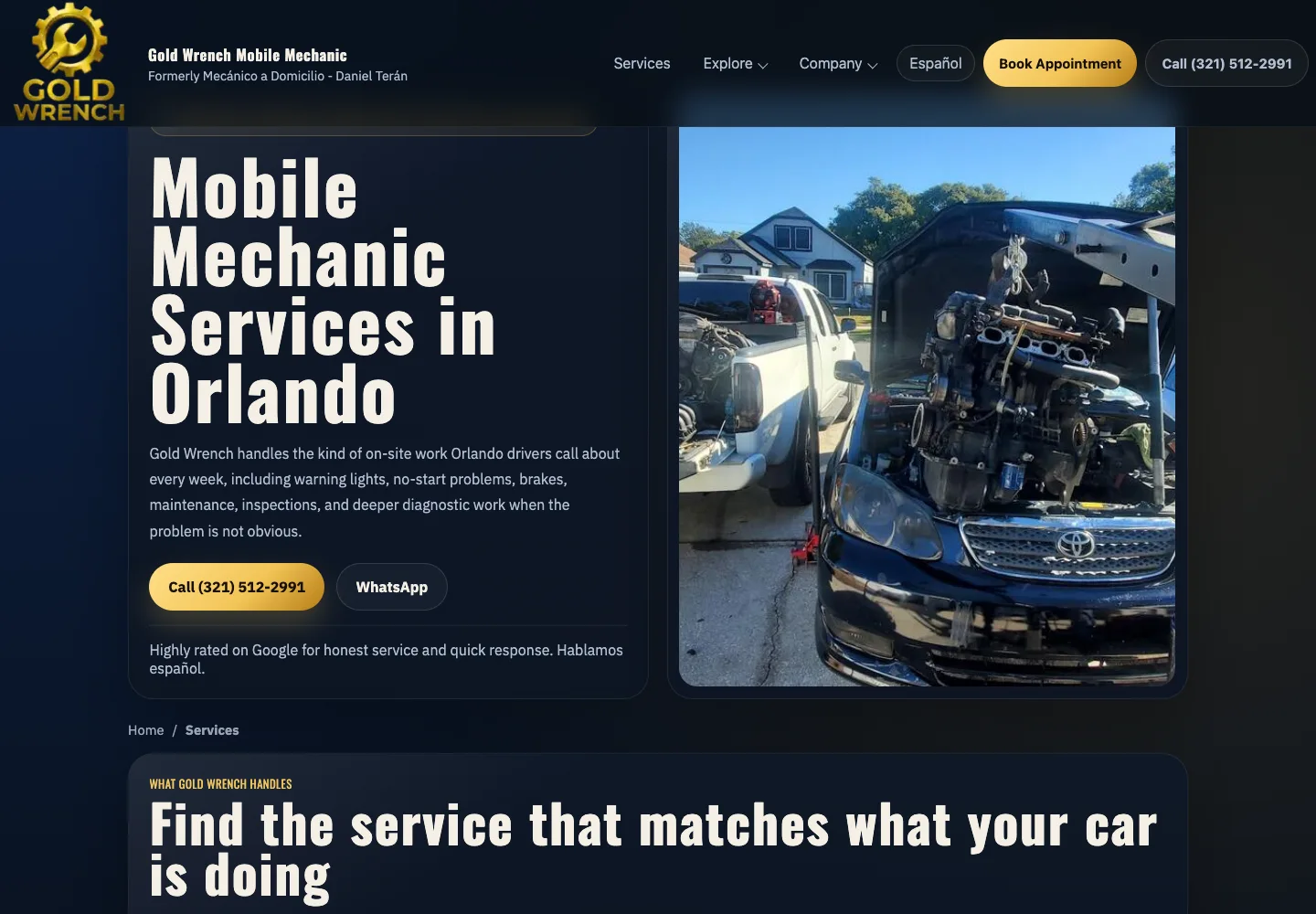
Its bilingual booking journey checks the customer's address against appointments already on Google Calendar. If it is within about a 30-minute drive of jobs in that zone, it offers nearby slots; otherwise it offers the afternoon or another available day. This means less driving between jobs and booking without phone tag.
The transferable lesson is to connect the service list, coverage and next step to how the business works. These are the same principles we apply on WordPress; they do not require copying this booking system. See the Gold Wrench project for the real example, rather than treating it as a promise of landscaping results.
↑ Back to topHow to start SEO for a landscaping company
Use this as an implementation schedule, not a ranking deadline. Start ahead of your busy season and work on the pages for services you can deliver now. If the phone number or form is broken, repair it before expanding the site.
- Step 1
Choose jobs and coverage
List your core services, preferred neighborhoods, travel limits and available capacity. Decide whether the priority is recurring lawn care, installation projects or another real service.
- Step 2
Record the starting point
Save current profile details and search visibility, then test calls and form delivery. Keep a simple log of inquiry source, service, area and whether it became an estimate or booked job.
- Step 3
Fix the profile and core pages
Correct the business facts, improve the pages for priority services and add real job evidence. Back up WordPress and test changes on a private copy before publishing.
- Step 4
Test and review the results
Repeat the phone journey and compare inquiries with your starting record. Check which jobs and areas are a good fit, then choose the next improvement from those findings.
| Window | Priority | Evidence |
|---|---|---|
| Days 1 to 30 | Profile + contact fixes | Correct facts; test received |
| Days 31 to 60 | Services + real projects | Useful pages published |
| Days 61 to 90 | Refine + maintain | Inquiry quality reviewed |
SEO for landscape contractors: owner checklist
You can use this in a short review with whoever manages the website. Mark an item complete only when you have seen the public page or tested the action. Give unfinished items a person responsible and a next review date.
Check the whole path from search to estimate
- The owner can access the business accounts.Keep control of the domain, hosting and Google profile; give helpers individual access.
- Public facts match actual operations.Check the name, phone, customer hours, services and coverage against the owner's current information.
- Each core service has a useful explanation.Separate routine lawn care from design-build and hardscaping where those are real parts of the business.
- Seasonal offers are accurate.Refresh cleanup availability before the season; remove services you have stopped offering.
- Maintenance plans explain the commitment.State included work, visit arrangements and how to request a property assessment without inventing a universal price.
- Photos show your actual work.Add clear captions, customer permission and a connection to the relevant service.
- Local pages earn their place.Use real local information and remove claims about offices or coverage you do not have.
- Credentials are current and accurate.Check relevant state licensing-board requirements and verify any insurance claims before publication.
- Calls and quote requests reach a person.Test from a phone, confirm inbox delivery and assign follow-up for missed calls and forms.
- Someone reviews quality and next actions.Discuss unsuitable inquiries, booked jobs and the next useful fix, rather than accepting a report of visits alone.
Choosing a landscaping SEO company
You can handle job photos, service updates and review replies yourself if you have time and a consistent routine. Hire help when website faults, publishing or measurement keep falling behind. A shared arrangement often fits a small crew: you supply field knowledge and photos, and a technical team maintains the site.
Keep with the owner
Service decisions, travel limits, current capacity and approval of project stories. An agency cannot infer those from keywords.
Delegate with a clear scope
Profile corrections, page work, mobile fixes and form checks can be assigned with specific deliverables and evidence of completion.
What will you change first, and why?
Who owns the profile, domain and website?
Which pages and fixes are in the written scope?
How will you evaluate suitable inquiries?
How do you request and handle reviews?
What continues, or ends, if we stop working together?
When comparing lawn care SEO services, ask for a concrete explanation of the proposed work and its limits. No honest provider can guarantee a Maps position or a number of new customers. Separate setup, ongoing work and any advertising budget in the quote.
Fer Marketing offers local SEO setup and WordPress fixes through WordPress management, from $250 with a fixed written quote before work. We also work white-label for agencies, with staging on the agency domain and NDA and non-solicitation terms available. Contact us with your website, service area and the jobs you want more of.
↑ Back to topWe can do this for you
Want your local setup and WordPress site handled?
We can handle local SEO setup and WordPress fixes as part of WordPress management, from $250 with a fixed written quote. White-label delivery is available for agencies.
- Review and correct eligible Google Business Profile details.
- Configure core service pages and useful area content.
- Implement suitable business markup with a privacy review.
- Fix mobile contact routes and verify quote-form delivery.
- Set up inquiry measurement and a clear record of changes.
Frequently asked questions
What is SEO for landscaping businesses?
It is work that helps people find your landscaping services in unpaid search results. It includes accurate business information, useful service pages, real project evidence and a website where nearby customers can request an estimate.
How long does landscaping SEO take?
There is no reliable deadline for rankings or new customers. Profile corrections and website repairs can be completed as scoped, while search visibility needs observation over time. The 30/60/90-day plan is a work schedule, not a promise of results.
Do I need a storefront to appear on Google Maps?
No. An eligible business that visits customers can use a service-area profile. Hide your base address if customers are not served there, and do not use virtual offices or duplicate profiles to imitate additional branches.
Should lawn care and landscape design have separate pages?
Usually, if you genuinely offer both and can explain their different scope and buying process. Routine maintenance, design-build and hardscaping answer different needs. Avoid making a thin page for every variation of the same search phrase.
Should I create a landscaping page for every town?
Only create a town page when it provides distinct, useful local information. Real projects, relevant conditions and honest scheduling details help. If you would only change the town name, use a clear service-area section instead.
Can an SEO agency guarantee the first Google Maps position?
No. Local results depend on factors including relevance, distance and prominence, and competitors and customer locations vary. Ask for defined work, account ownership and useful reporting instead of a guaranteed position.
Which structured data type should a landscaper use?
Use LocalBusiness or HomeAndConstructionBusiness as appropriate; Schema.org has no landscaper-specific type. Match visible facts and consider address privacy. Google's local-business rich-result eligibility has its own requirements and does not guarantee display.
Can Fer Marketing handle the WordPress side?
Yes. We can scope local SEO setup, service pages, mobile improvements and quote-form fixes through WordPress management, from $250 with a fixed written quote. Agencies can hire us white-label, and we reply the same business day during 9 AM to 9 PM ET.
Send your site and service area for a fixed written quote from $250, a same-business-day reply from 9 AM to 9 PM ET, and white-label delivery for agencies.